Available · offers only
kimiware.com is for sale.
Kimi is Japanese for “you”: an eight-letter .com for software made around one person.
- letters
- 8
- the most registered extension
- .com
- three syllables
- ki · mi · ware
- kimi, Japanese for “you”
- 君
- Payment only through Escrow.com
- A personal reply within 48 hours
- Moved to your registrar once payment is secured
Make an offer
There is no listed price. Offer what kimiware.com is worth to you.
Offer received
Thank you. A person will read it and reply within 48 hours at .
If nothing arrives, check your spam folder. We will never ask you to pay outside Escrow.com.
Three ways to launch kimiware.com
Three different businesses this name could become. Choose one to open its brand book: logo, colours, type, photography and first applications. The sale covers the domain name; the logos are ideas, not trademarks.
Direction A, Notes app: the brand book
Logo
Colour
- Vermilion
#CF3B24 - Sumi
#1C1B19 - Washi
#F5F3EE - Ai indigo
#2F4A7A
Type
Imagery

Software made around you.
Applications
Your notes, arranged the way you think.
A notebook and a few small tools that adapt to how you write.
Get NotesA notebook that learns how you like to write.
Direction B, Kids’ apps: the brand book
Logo
Colour
- Sunshine
#FFC93C - Tomato
#D9472F - Mint
#7ED6B5 - Ink
#26221F
Type
Imagery

Apps that learn how your child learns.
Applications
Apps that learn how your child learns.
Reading, maths and drawing, paced for one child at a time.
Try it freeGood morning, Mia
Today’s three things
- ReadThe Fox and the Moon
- CountShapes up to 20
- DrawYour favourite animal
Earned in the app, stuck on the fridge.
Direction C, Ceramics: the brand book
Logo
Colour
- Kiln white
#F1ECE3 - Celadon
#7FA99B - Iron
#2B2622 - Persimmon
#C8553D
Type
Imagery
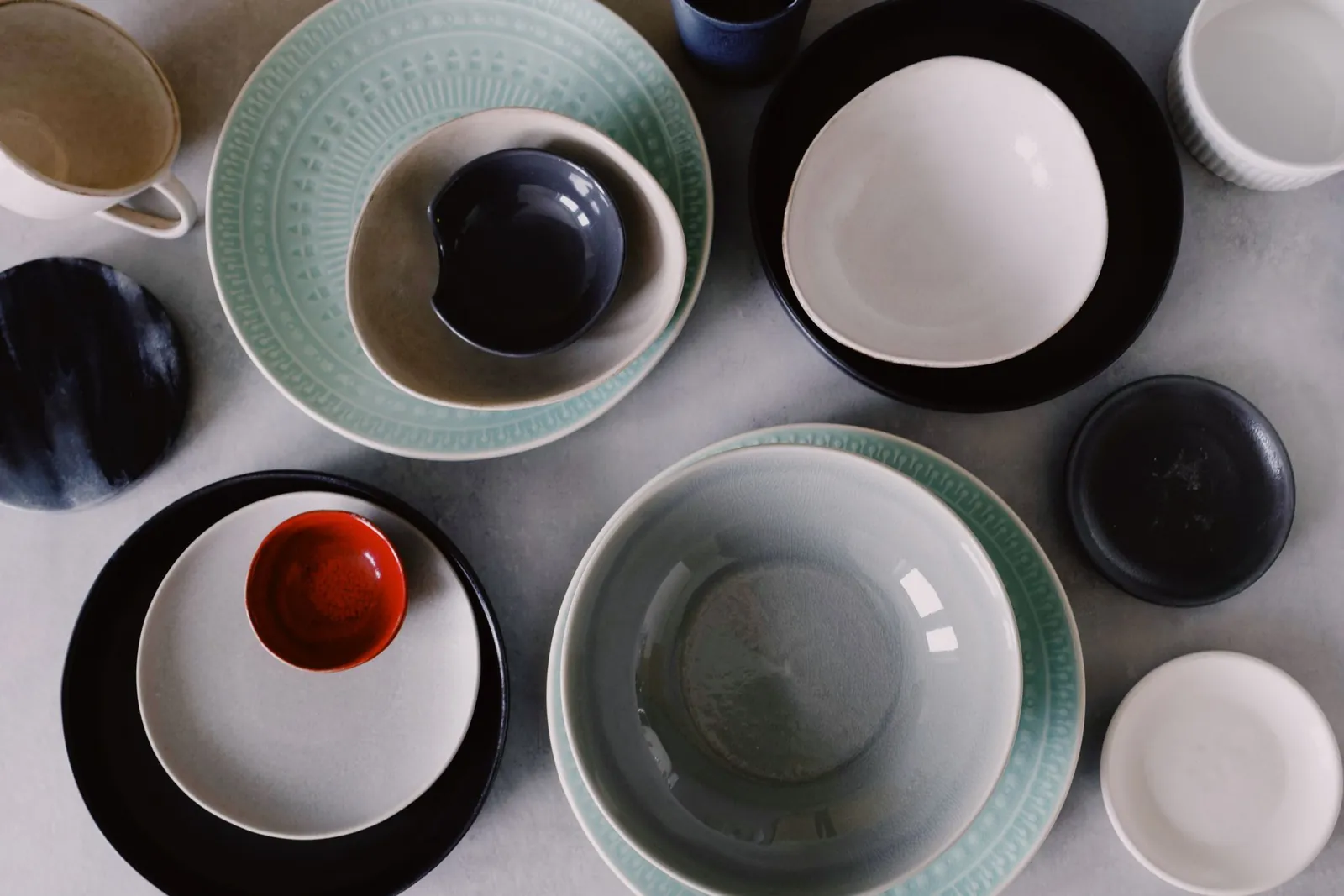
Made for your table, one piece at a time.
Applications
Tableware thrown by hand, in small batches.
Stoneware bowls, cups and plates in four glazes, from one studio and one kiln.
Shop the celadon setRice bowl
Celadon · 12 cm · batch 07
Thrown by hand. No two pieces are the same.
Yours to launch: the name, and whichever idea you like. The sale itself covers the domain name only.
Make an offerFrom offer to transfer in six steps
Payment and transfer both run through Escrow.com, so neither side has to trust the other with the money.
- Between you and the seller
Send your offer
Use the form on this page. There is no listed price, so offer what the name is worth to you.
Get a reply within 48 hours
A person reads every offer and answers within two days.
Agree on the price
We settle the amount and terms by email, then open the transaction on Escrow.com.
- Through Escrow.com
Pay through Escrow.com
You pay Escrow.com, never the seller. The money stays with Escrow until the transfer is done.
Receive the domain
Once Escrow.com confirms your payment, the domain is moved to your registrar account.
Escrow pays the seller
When you confirm the domain is yours, Escrow.com releases the payment to the seller.
Questions buyers ask
Is the price negotiable?
Yes. There is no listed price, so every sale starts with an offer. You’ll get a reply within 48 hours that accepts it, makes a counter-offer or declines it.
How does Escrow.com protect me?
You pay Escrow.com, never the seller. Escrow.com holds the money while the domain moves to you, and releases it only after you confirm the domain is in your account or the agreed inspection period ends. Open escrow.com by typing the address yourself, and don’t follow payment links sent from anywhere else.
How long does the transfer take?
A few days. The seller starts as soon as Escrow.com shows your payment as secured; a move to another registrar or another Cloudflare account completes within five days, often sooner.
Can I use my own registrar?
Yes. The domain moves to the registrar account you choose. A transfer to another registrar adds a year of registration to a .com, billed by your registrar.
What exactly is included?
The domain name, transferred into your account. You are free to use the branding examples on this page if you want them; the photographs are from Pexels and are not part of the sale.
Other domains for sale
- drillkit.aiAI practice drills and model evals
- springcedar.comHospitality, natural goods, home and garden
- euryko.comA short, coined name for a startup
- anglikos.comGreek for “English”: a name between two cultures
- fluentjam.comSpeaking practice and conversation clubs
- sparksesl.comWarm-ups and resources for ESL teachers
- jamveo.comVideo, music and live collaboration
- fluentkid.schoolLanguages for children